
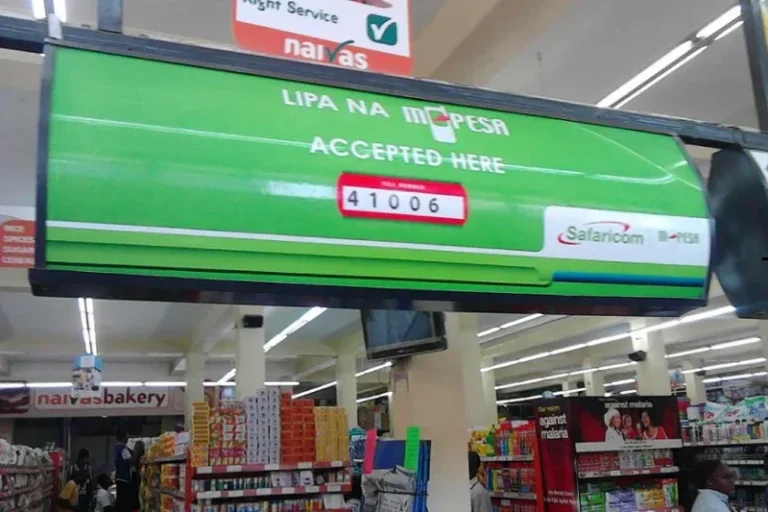

Safaricom has unveiled a new feature, M-PESA Jumbe which allows Lipa na M-PESA and Pochi la Biashara merchants to share payment alerts with up to 50 authorised users. This is while helping customers keep their personal financial details private.
“ Nionyeshe message” is a familiar request for anyone who regularly pays using M-PESA. Whether at a petrol station, restaurant, local kiosk or matatu, customers are often asked to show their payment confirmation message before completing a transaction.
While the practice helps businesses verify payments, it can also expose personal information. An M-PESA confirmation message may display a customer’s full name, phone number and account balance, details that are not necessarily needed to confirm a purchase.
Safaricom’s M-PESA Jumbe seeks to address this challenge by making payment confirmation more convenient for merchants and more private for customers.
The service allows Lipa na M-PESA and Pochi la Biashara merchants to nominate up to 50 additional users to receive payment notifications. This enables authorized employees to verify transactions directly without relying on the business owner’s phone.
How M-PESA Jumbe works
A key feature of M-PESA Jumbe is JumbeID, an alias designed to limit the personal information displayed in payment notifications.
Instead of showing a customer’s full name and phone number, JumbeID combines the first letters of their first and last names with the last two digits of their phone number. For example, a customer named Nancy Kamau whose phone number ends in 74 would appear as NK_74.
The notification retains the information needed to identify the transaction, including the transaction reference, amount, business name, Till number, date and time.
Customers also receive a separate Jumbe proof-of-payment SMS that they can show when asked to confirm a transaction. The message allows them to verify payment without revealing their M-PESA balance, full name or complete phone number.
This is particularly useful in busy public spaces where payment confirmation often takes place in front of other customers and staff.
At a restaurant, for instance, a customer can show the proof-of-payment message when settling a bill. At a petrol station, an attendant can check the payment notification received on their own phone instead of asking to inspect the customer’s personal M-PESA message.
Managing payments
Beyond customer privacy, the service addresses a common operational challenge for small businesses: payment confirmations that depend on the owner’s phone.
In many businesses, payment notifications are sent to the owner’s registered phone number. Employees serving customers may therefore need to call the owner or ask customers to show their messages before releasing goods or completing a sale. This can slow down service, particularly during busy periods.
With M-PESA Jumbe, business owners can nominate employees to receive payment alerts directly. A waiter can verify a restaurant bill, a salon attendant can confirm a client’s payment, and a shop assistant can complete a sale without having to contact the owner for every transaction.
The arrangement also gives business owners greater flexibility when they are away from their premises. Instead of leaving their phones at the counter or remaining available to confirm every payment, they can allow authorized staff to handle the process.
For Pochi la Biashara merchants who use their personal M-PESA line for business transactions, this provides an additional layer of convenience. They can keep their phones with them while employees receive the notifications needed to serve customers.
What access do employees get?
Although employees receive payment notifications, M-PESA Jumbe does not give them unrestricted access to the business owner’s account.
Nominated users do not gain access to the owner’s account balance, M-PESA PIN, statement or transaction history. Their access is limited to the payment information required to confirm transactions.
This distinction allows merchants to delegate routine payment verification without sharing broader financial information or handing over their phones.
It also helps separate the responsibility of confirming payments from access to the account itself.
How to activate M-PESA Jumbe
Merchants can nominate additional notification recipients through the M-PESA Jumbe menu by dialling *234#. The nominated employee receives an invitation and must accept it before receiving payment notifications.
The service uses SMS and USSD, meaning it can work on both basic phones and smartphones. Employees do not need to rely on a smartphone to receive payment alerts.
This makes the feature accessible to businesses whose staff use different types of mobile devices.