
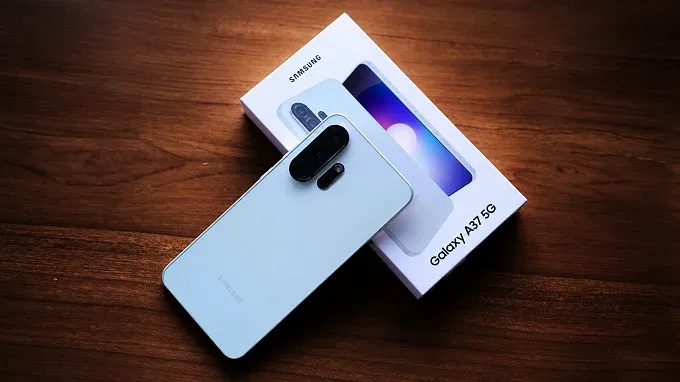

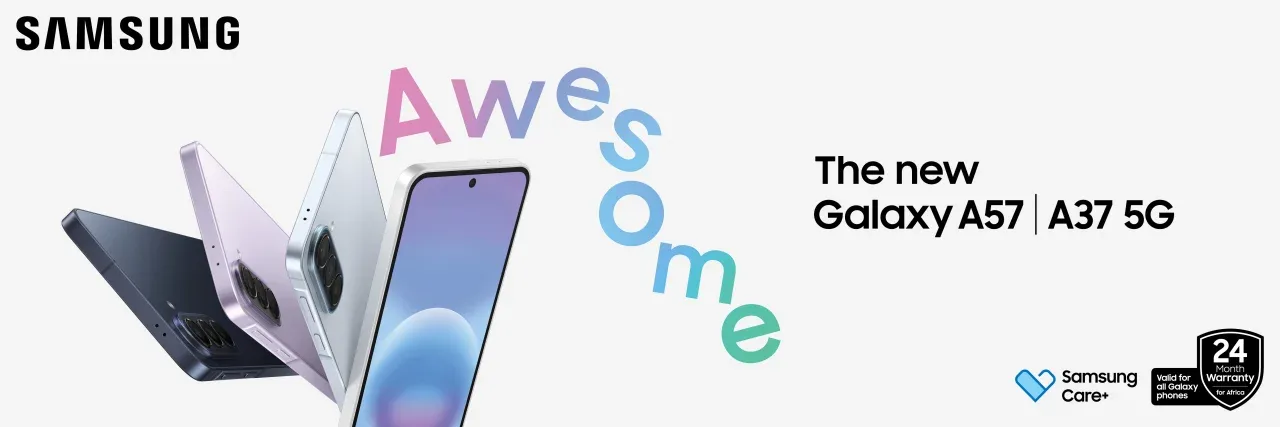
Samsung is pushing AI further down its smartphone range with the Galaxy A37 5G and Galaxy A57 5G. The two phones come with a collection of AI tools under Samsung’s Awesome Intelligence banner. This covers everything from search and productivity to photography and video editing.
Samsung has integrated AI into features that users use every day making Galaxy A37 and Galaxy A57 interesting because of what users can actually do with it.
Here are some of the features on the devices.
Gemini
Both phones come with Google Gemini, giving users access to a conversational AI assistant for questions, searches and tasks across supported apps.
Samsung has also upgraded Bixby, allowing users to use natural language for certain device controls and settings. The idea is simple instead of navigating through several menus or applications, users can describe what they want and let the assistant help with the task.
Circle to Search
Circle to Search remains one of the more practical AI features on the two phones. Users circle something on their screen to search for it without leaving the app they are using which is pretty convinient. The A37 and A57 also support multi-object recognition, allowing several items in an image to be identified.
This is useful when shopping online, identifying products or simply finding more information about something appearing on the screen.
AI Select
AI Select takes things a step further by analyzing content on the screen and suggesting actions. It can extract text, save images and perform other actions based on what has been selected.
Samsung also supports dragging selected content between applications, making it easier to move information into apps such as Samsung Notes or Photo Editor. It is one of those features that may not sound particularly exciting, but could save time during everyday use.
Voice Transcription
The A37 and A57 also introduce Voice Transcription to the Galaxy A-series. The feature can convert recorded speech into text and translate supported recordings.
For students, journalists and professionals, this is a useful tool when dealing with lectures, interviews or meetings. Instead of going through an entire recording again, users can work from a transcript and find the information they need more quickly.
AI Photography
Samsung has brought several AI-powered editing tools to both phones. Object Eraser can remove unwanted elements from photographs, while Edit Suggestions can recommend changes to improve an image.
The phones also use AI-based processing to recognize subjects and scenes, helping with things such as portraits, skin tones and background separation.
Galaxy A57 gets a little more
Samsung gives the Galaxy A57 a few additional AI-powered camera and video tools. Best Face uses frames from Motion Photos to help select better expressions in group photographs. Auto Trim can analyse video clips and create shorter highlight videos.
For people who regularly create social media content, these features are a life saver as they help reduce the time spent manually editing photographs and videos.